
Interviews can be tough at the best of times, so we want to make the process as straightforward as possible to help you concentrate on the most important part - getting the job.
Preparing for your interview
Pre interview tips for conducting yourself
- Show you know your stuff and get to know the organisation’s culture through in depth research. It’ll make you stand out from the crowd and help confirm you’re choosing the right organisation and culture fit for you.
- Make sure you’re clued up on the skills they’re looking for and what the job role requires. Why are you the right person for the role?
- Look like a professional and make sure your video set up has you looking and sounding your best. We’ve put together some top tips to help you get your lighting right and how to avoid the dreaded background noise.
- Make sure your webcam is eye level - place your computer on top of some books and sit about arm's length from the camera.
If you're using a mobile device
- Make it stable.
- Look directly at the camera, which may feel weird at first but makes the viewer feel like you’re looking and talking to them.
- Try to use a plain background or minimise any distractions - you should be the focus of the video.
- To remove echo and soften background noise make sure you’re not in an empty room - the more ‘stuff’ in the room the better.
- Look your best by having the light source directly in front of you, whether that be natural light from a window or a lamp directed at you.
- Dress appropriately for the organisation you’re interviewing for, gauge the culture from your research.
It's really as easy as 1-2-3. Our process goes a bit like this:
- Decide whether you want to do it on a mobile or PC / laptop
- Click the link in your email to log in to the Application Centre, from where you will be able to initiate the video interview
- Test your audio and video and take your interview and you’re done!
We’ll break it down a bit more:
You’ll receive an email confirming that you are invited to complete a video interview and instructing you to log in to the Application Centre, from where you will be able to initiate the video interview. You can take the interview on a mobile, desktop or tablet, at any time of the day. Though you will need to complete your interview before the deadline provided.
Once you have initiated the video interview from within the Application Centre, you’ll see a welcome page that introduces you to the role you are applying for.
First you’ll provide your consent to proceed.
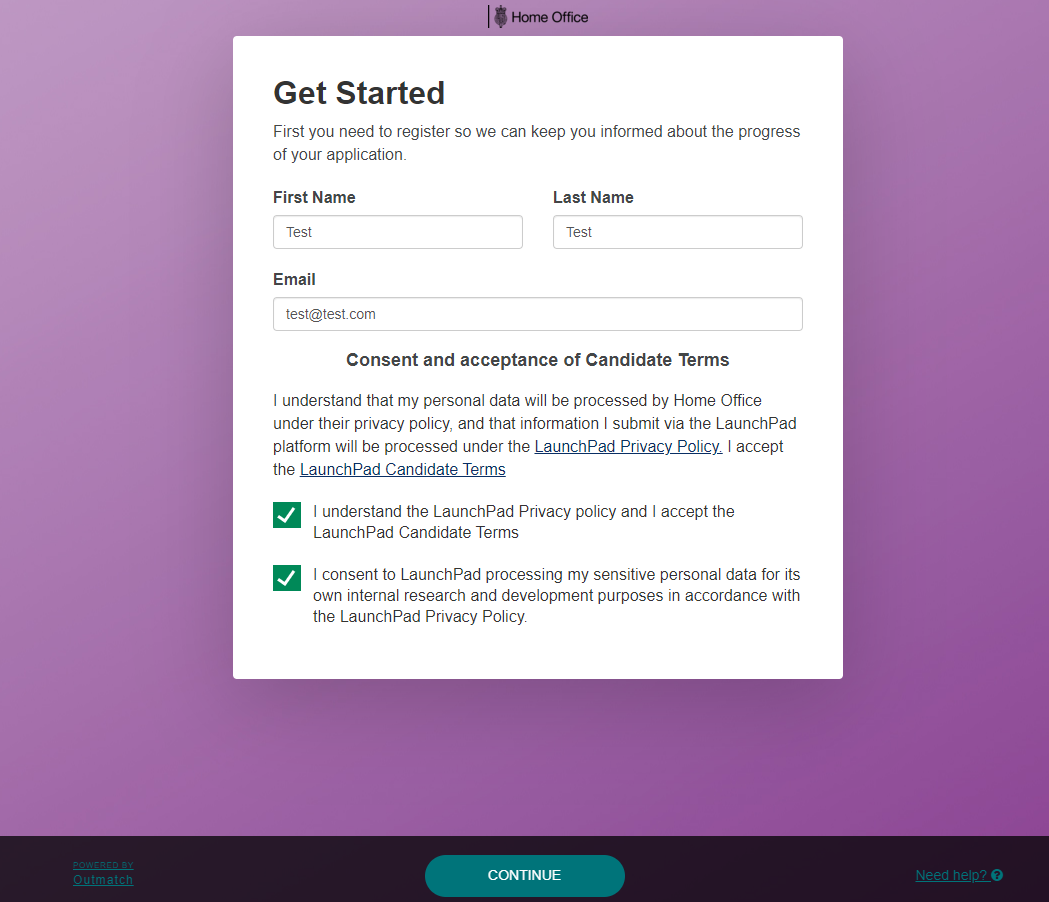
You’ll now see a short video introducing you to the video interview platform and explaining what’s ahead in the process.
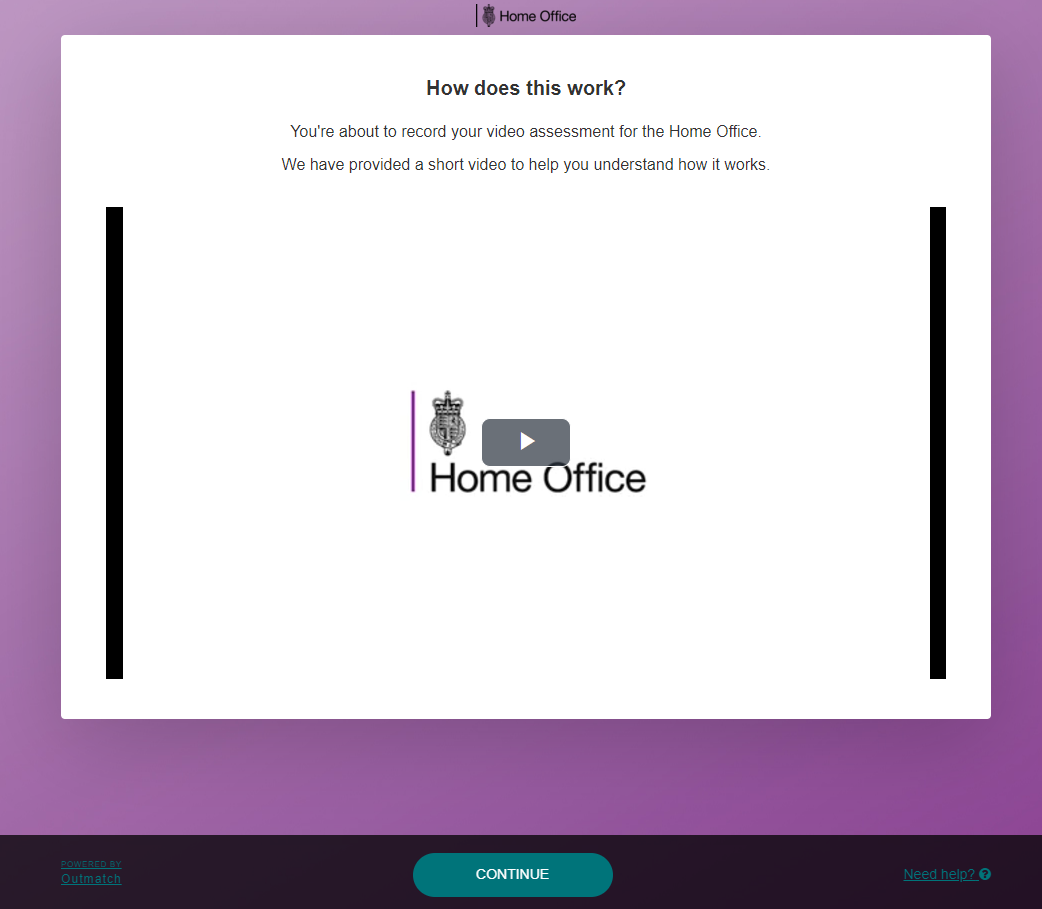
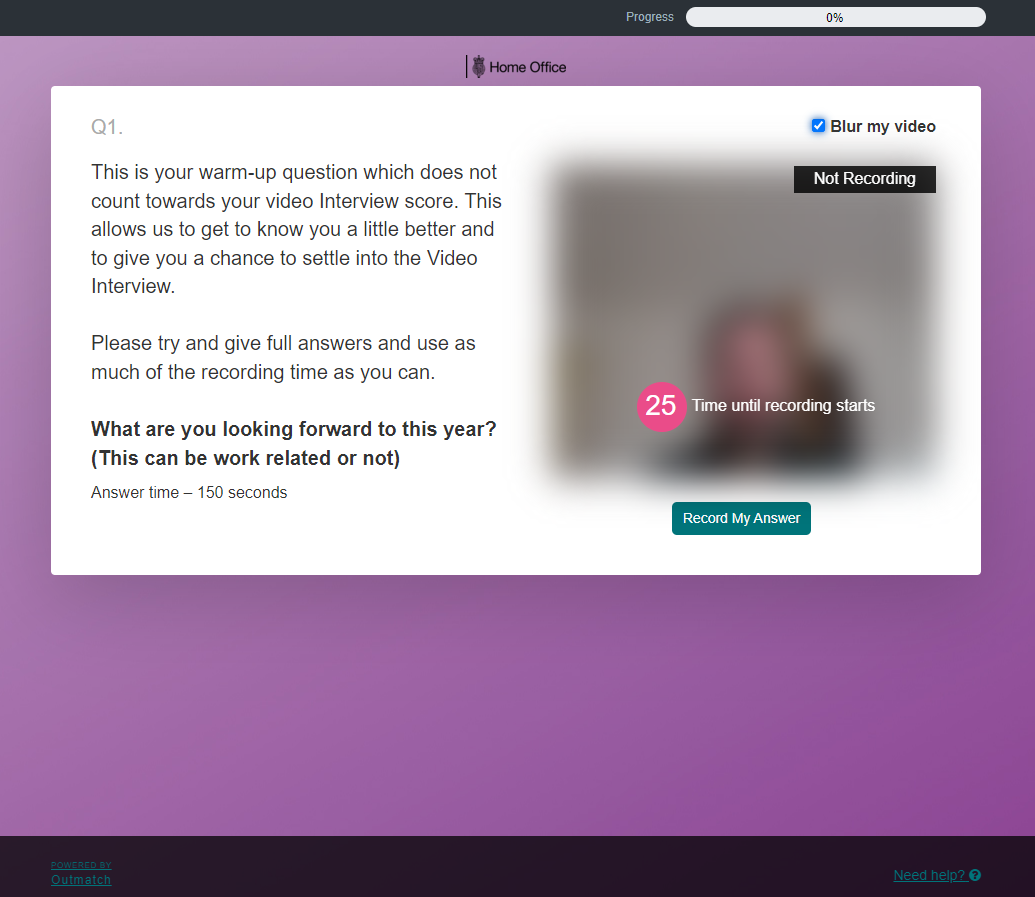
We’ll then help you setup your camera and microphone to get the best quality.
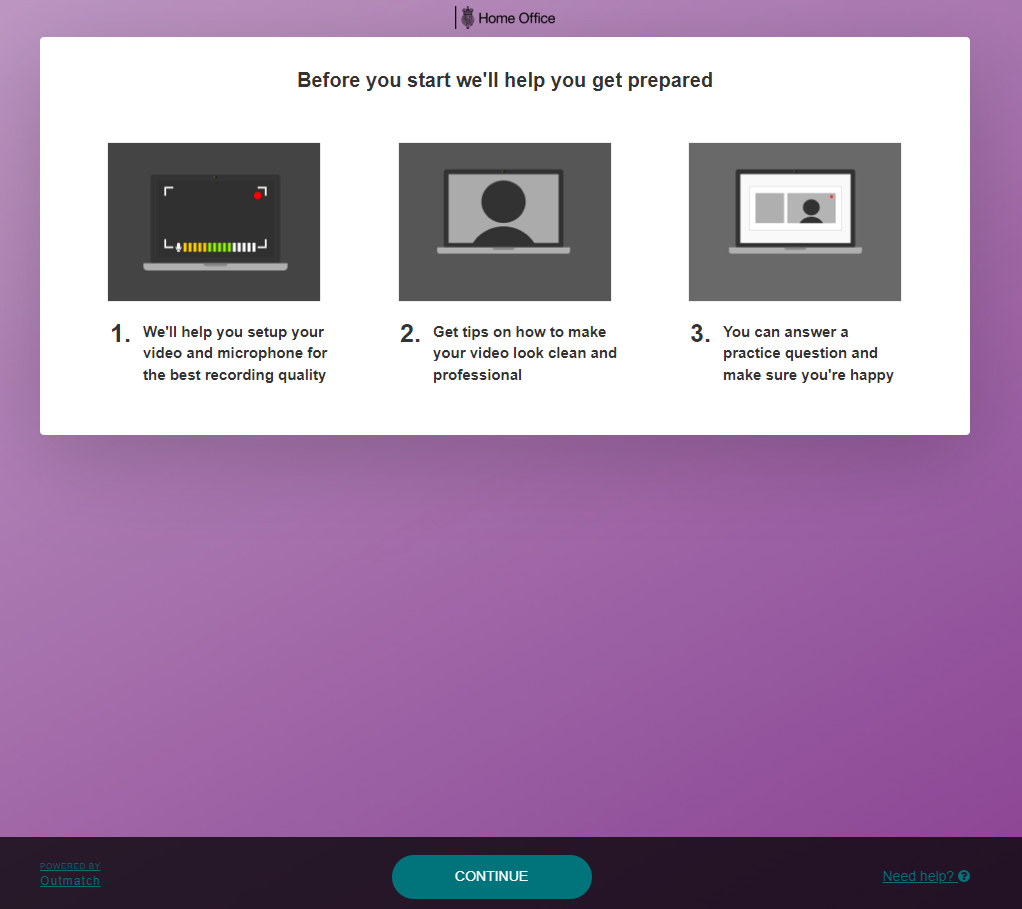
Attention! The next part - a practice question - is essential to check you are set up correctly. We strongly recommend completing this step to ensure your interview goes smoothly.
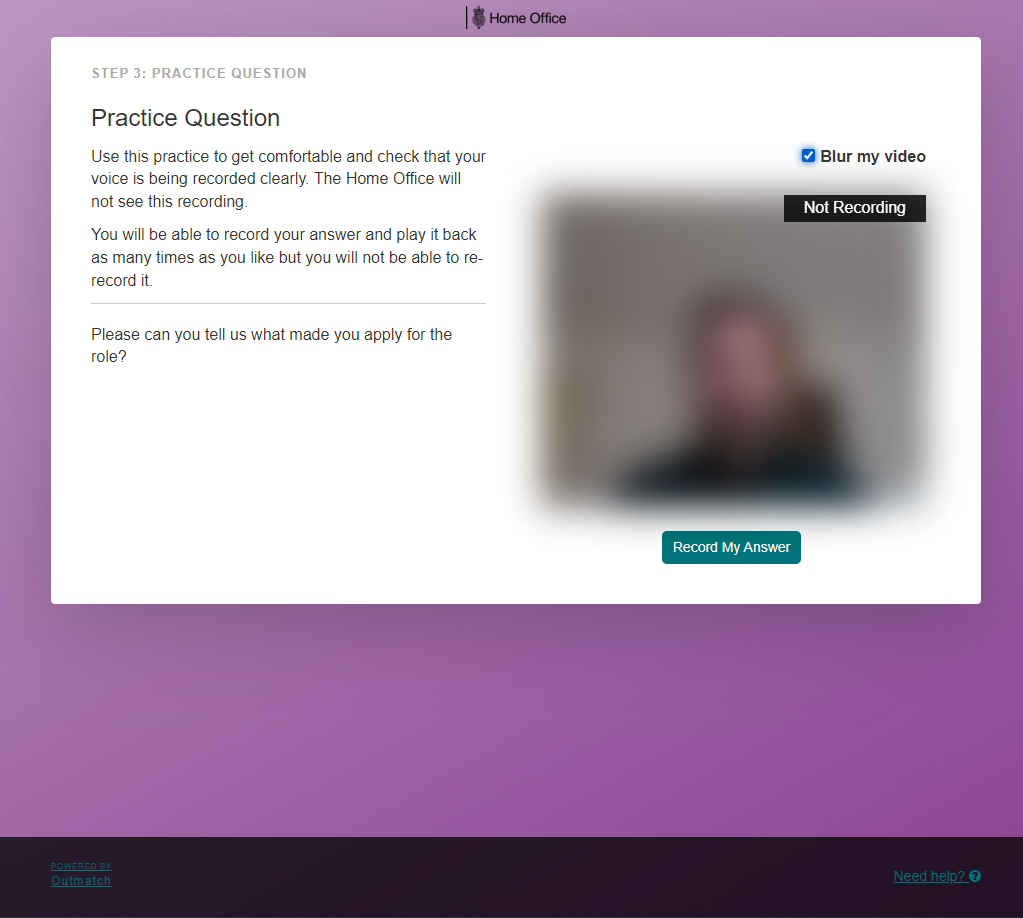
You’re now ready to take your interview.
To simulate a face-to-face interview, you’ll usually only be given one chance to record your answer to see how you think on your feet.
Once you’ve completed your interview you’ll see a completion and thank you screen and you're done!
We will then be in touch with feedback and next steps.
What to do if you have a technical issue
If you have any technical problems with your interview, please email HO-Recruitment-Vetting-Enquiries@resourcing.soprasteria.com with your name, device used and a brief description of the issue.
If you have missed your interview deadline or have other non-technical issues, please email HO-Recruitment-Vetting-Enquiries@resourcing.soprasteria.com
Need to take your interview on the go?
Our video interview supplier's app can be used on Apple and Android devices across mobile, tablet and desktop.